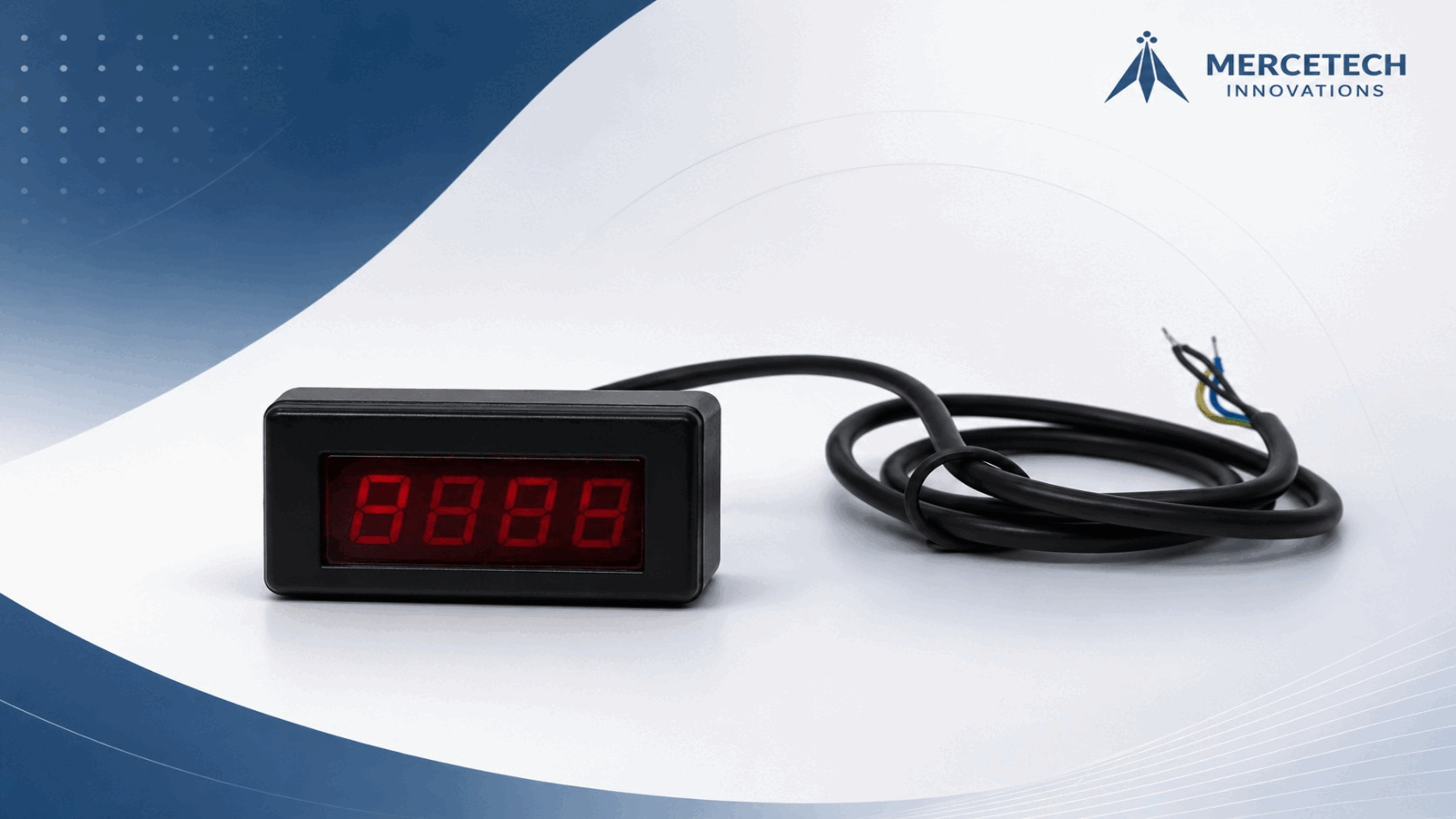
Mercetech digital fuel level indicator with LED display.

Digital Fuel Level Indicator Features

1. Clear and Accurate Fuel Level Display

The Digital Fuel Level Indicator features a high-visibility 4-digit LED panel that displays:

  • Fuel level in percentage format with 0.1% resolution
  • Fuel volume in litres (with resolution from 1 ml to 10 litres depending on tank size) This ensures fuel data is immediately understandable and actionable for drivers and fleet operators alike.

2. Reliable RS-232 Interface with Standard Protocol

This indicator communicates with compatible fuel level sensors via a wired RS-232 digital interface using the EDE (LLS) protocol. The result is fast, stable data transmission and precise calculations of fuel volume values from the sensor input signals.

3. Dual Operation Modes – Passive & Active

  • Passive mode: Works with external controllers or telematics systems that interpret fuel data
  • Active mode: Functions independently to display fuel levels without external systems This flexibility allows easy integration with a wide range of telematics platforms and fleet management hardware.

4. High-Resolution Digital Data Processing

With support for 10-, 12-, and 16-bit data input, the indicator offers high-fidelity interpretation of sensor values, increasing the accuracy of readings especially in dynamic fuel usage scenarios.

5. Robust Performance in Extreme Conditions

Built for real-world applications, the digital fuel gauge operates reliably across a wide temperature range of -40 °C to +75 °C, making it suitable for vehicles, industrial equipment, generators, and outdoor installations.

6. Wide Operating Voltage & Low Consumption

With a flexible supply range of +9 V to +36 V DC and efficient current consumption (≤ 30 mA), this indicator can be used across automotive, heavy vehicle, and stationary fuel systems without requiring specialized power converters.

Mercetech digital fuel level indicator product banner.

Applications – Where This Indicator Excels

Fleet Fuel Monitoring

Ideal for trucks, buses, and commercial fleets, this indicator provides drivers and fleet managers with instant fuel level insights for safer routing, optimized refilling schedules, and improved fuel economy.

Industrial & Generator Fuel Management

Use with fuel level sensors in stationary tanks, backup generator sets (DG sets), and industrial reservoirs to prevent unexpected fuel shortages, downtime, and overuse.

Telematics & IoT Integration

When paired with telematics platforms or tracking systems, the digital indicator enhances fuel data visibility and supports real-time remote monitoring, analytics, and alerting for anomalies like fuel drops or unexpected consumption.

Mobile Equipment & Heavy Machinery

This system supports rugged environments in construction, mining, agriculture, and logistics — providing dependable fuel level monitoring where precision and uptime are essential.

Why Choose Mercetech’s Digital Fuel Level Indicator?

Precision & Accuracy

By digitally processing sensor output and displaying fuel volumes with high resolution, this indicator helps businesses eliminate guesswork and reduce errors in fuel reporting.

Flexibility in Integration

With dual modes (active and passive) and a standard RS-232 interface, the indicator integrates easily with a wide range of fuel level sensors and telematics devices — whether in a truck dashboard, remote generator site, or fuel depot.

Tough & Reliable

Designed to withstand wide temperature variations and continuous operation, this indicator is built for years of dependable performance in diverse operating conditions.

Enhanced Decision-Making

Real-time fuel level insights help fleet managers, operators, and technicians make smarter operational decisions — reduce theft, prevent downtime, and optimize fuel usage.

Calibration and Compatibility

A digital display relies on a compatible sensor and the correct tank configuration. Review our fuel sensor calibration guide and contact Mercetech to check the sensor interface and operating mode before installation.

Digital Fuel Level Indicator: Compatibility Questions

Which sensor will supply the data?

Confirm the exact sensor model, its RS232 output and the supported protocol before selecting the digital fuel level indicator. Match the configuration to the receiving equipment rather than relying on a connector alone.

Where are litres calculated?

Check the input units and the tank calibration used by the system. Compare the local display with stable, known reference quantities during commissioning.

Which operating mode is required?

Review the active and passive mode requirements in the supplied manual. Confirm the wiring and the roles of any external tracker or controller in the installation.

How will the installation be maintained?

Keep the sensor identity, indicator settings, wiring details and tank table together. Recheck the readings after equipment replacement or configuration changes. Contact Mercetech for model-specific integration guidance.

Choose the Digital Fuel Level Indicator Data Source

A Digital Fuel Level Indicator presents information supplied by a compatible measurement system. Before choosing a unit, identify the fuel sensor, its interface, the message format and the intended operating mode. Confirm the exact supplied indicator configuration and the role of any external tracker or controller in the approved wiring plan.

The published indicator documentation describes an RS232 interface using the EDE (LLS) protocol. Products with supported wired connection or Bluetooth communication should not be assumed to connect directly. Ask the integrator to confirm the supported combination and any required receiving equipment. Keep that confirmation with the installation records.

Make the Digital Fuel Level Indicator Units Clear

Agree whether the operator needs a percentage, a volume in litres or another supported display arrangement. Check which component applies the tank table and how the incoming values are interpreted. Display resolution describes how a number is presented; the useful accuracy of the complete system also depends on measurement, calibration and installation.

Label the display and asset consistently with the platform. If a vehicle has multiple tanks, make clear which tank the indicated quantity represents. Staff should not have to guess whether a local display and a remote report refer to the same tank, time or unit of measurement.

Validate the Digital Fuel Level Indicator at Handover

Use the approved manual and a trained installer to confirm mounting, power and wiring. Check the selected active or passive operating arrangement and the communication settings. Record the sensor identity, indicator identity, tank table and any receiving equipment involved. Preserve the accepted configuration rather than relying on memory after installation.

Compare the display with stable reference quantities and a documented refuelling event. Where a platform is also used, compare its report with the local indication and explain any difference in timing or filtering. An unexplained discrepancy should be resolved before the display becomes the team’s routine operating reference.

Use Local Fuel Information in Daily Operations

A local display can give staff a convenient view of the configured tank measurement. Agree how it will be used for refuelling planning and routine checks alongside the operation’s other records. The indicator alone does not establish the reason for a change in fuel level or provide a complete consumption investigation.

Define a response to an unavailable or unexpected reading. Check the relevant sensor, connection, configuration and supporting operating records through the approved maintenance process. Keep observations and corrective actions together. A consistent review method makes it easier to identify recurring issues and assess whether the system is performing as accepted.

Digital Fuel Level Indicator Selection Questions

Is a fuel indicator the same as a fuel sensor?

The sensor measures the tank condition. The indicator displays information from a compatible source. Select and validate both roles as part of the complete installation.

Can it display litres for any tank automatically?

Confirm the supported input and the calibration method for the proposed tank. A correctly configured tank table and consistent units are needed for meaningful volume reporting.

Does the indicator provide remote alerts?

Remote reporting and notifications depend on the receiving hardware and software in the chosen system. Confirm those functions with the integrator rather than assuming they are supplied by a local display.

What needs checking after replacement?

Recheck the device identity, supported protocol, operating mode, tank configuration and reference readings. Retain the new acceptance observations with the maintenance history.

For background on electrical communication differences, see the Texas Instruments supported wired connection introduction. Use the indicator’s own RS232 documentation and the exact sensor instructions to confirm the proposed connection.

Compare Monitoring Products

Use these product pages to compare the role of each device. Products shown together are catalogue options; confirm compatibility for the exact system before selection.
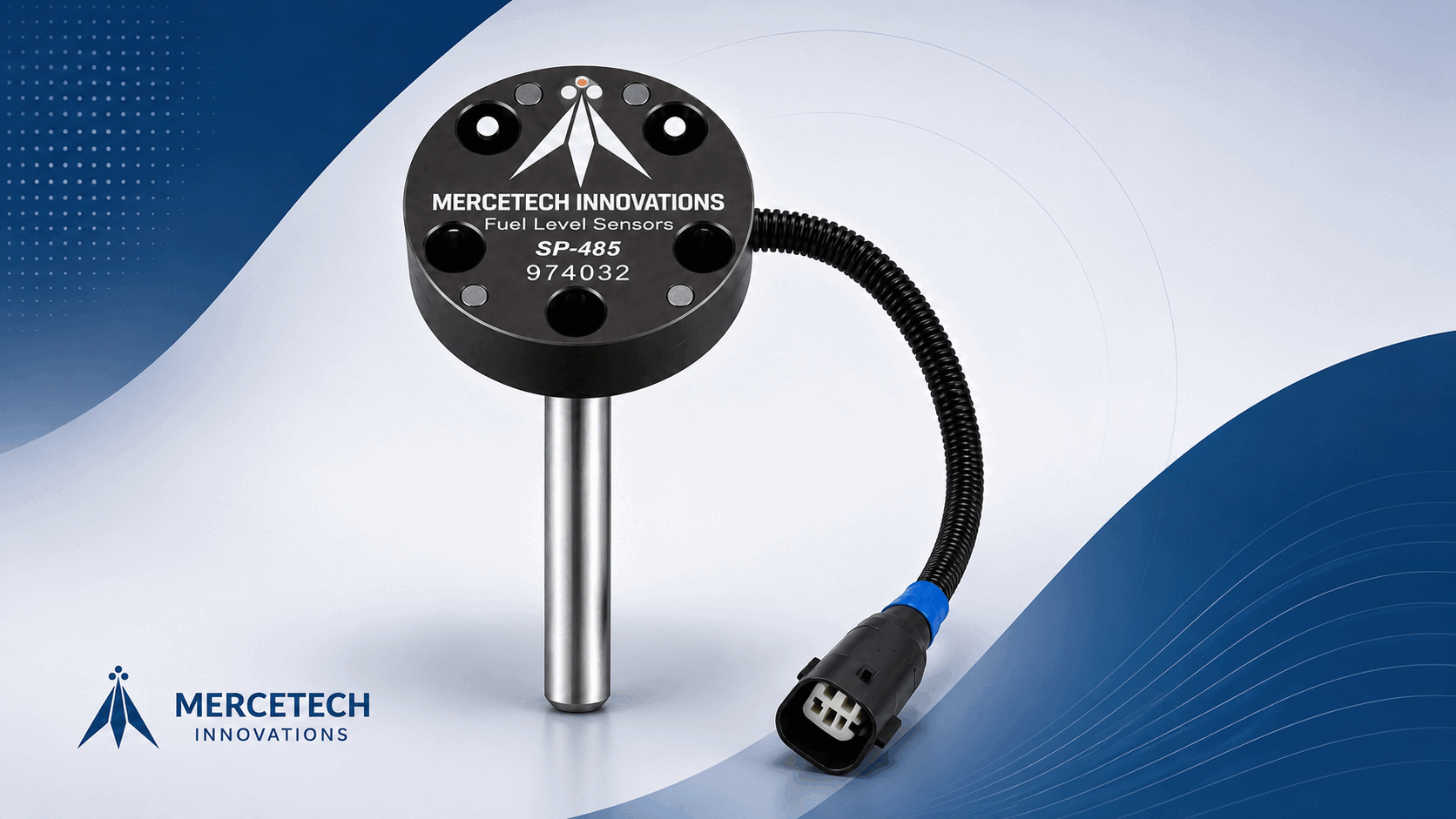
Mercetech SP-485 fuel level sensor.
SP-485 fuel level sensor. Wired tank measurement: confirm supported wired connection interface and protocol compatibility.
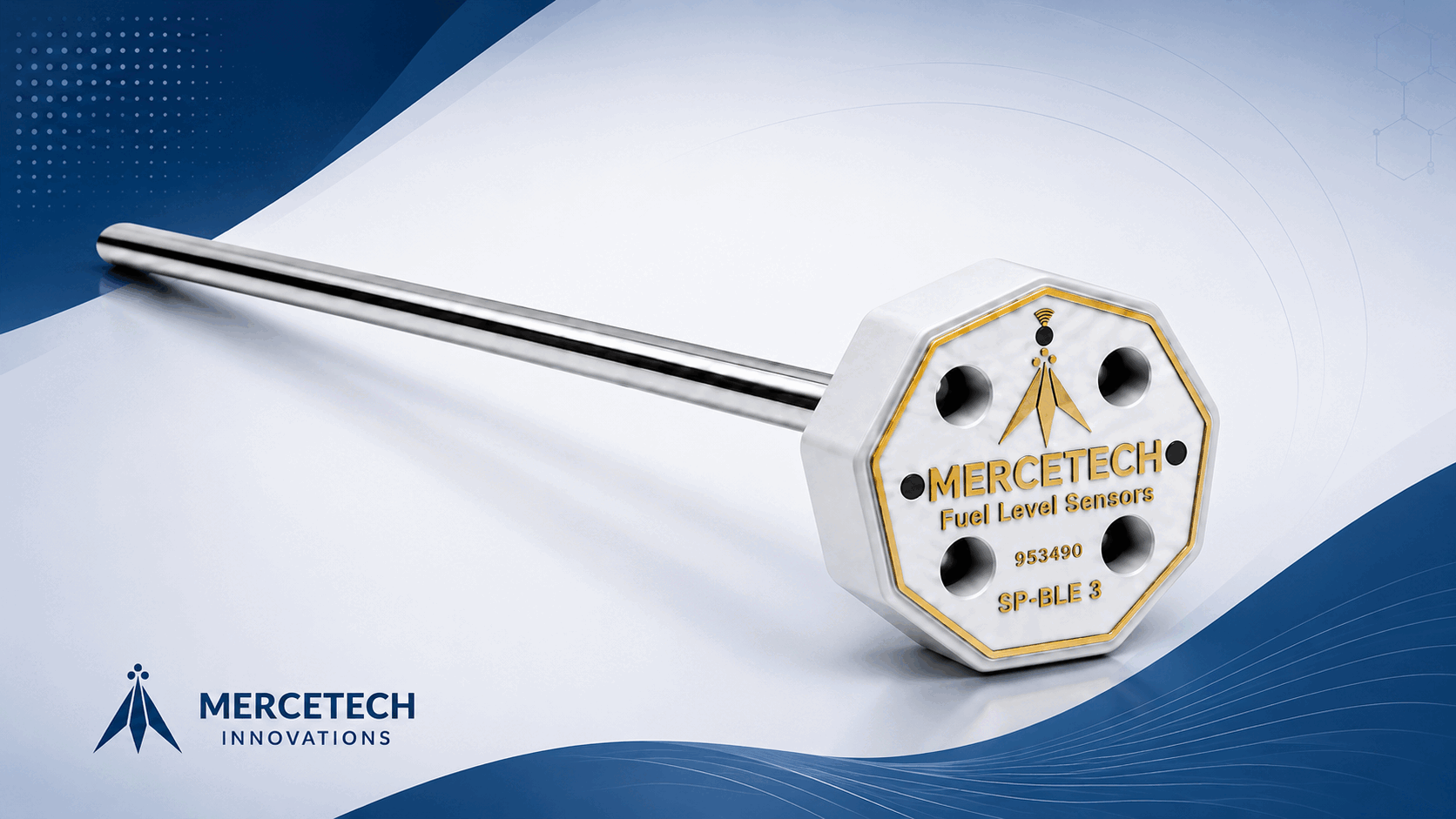
Mercetech SP-BLE 3 wireless fuel level sensor.
SP-BLE 3 wireless fuel level sensor. Wireless tank measurement: confirm the BLE receiver and exact model support.
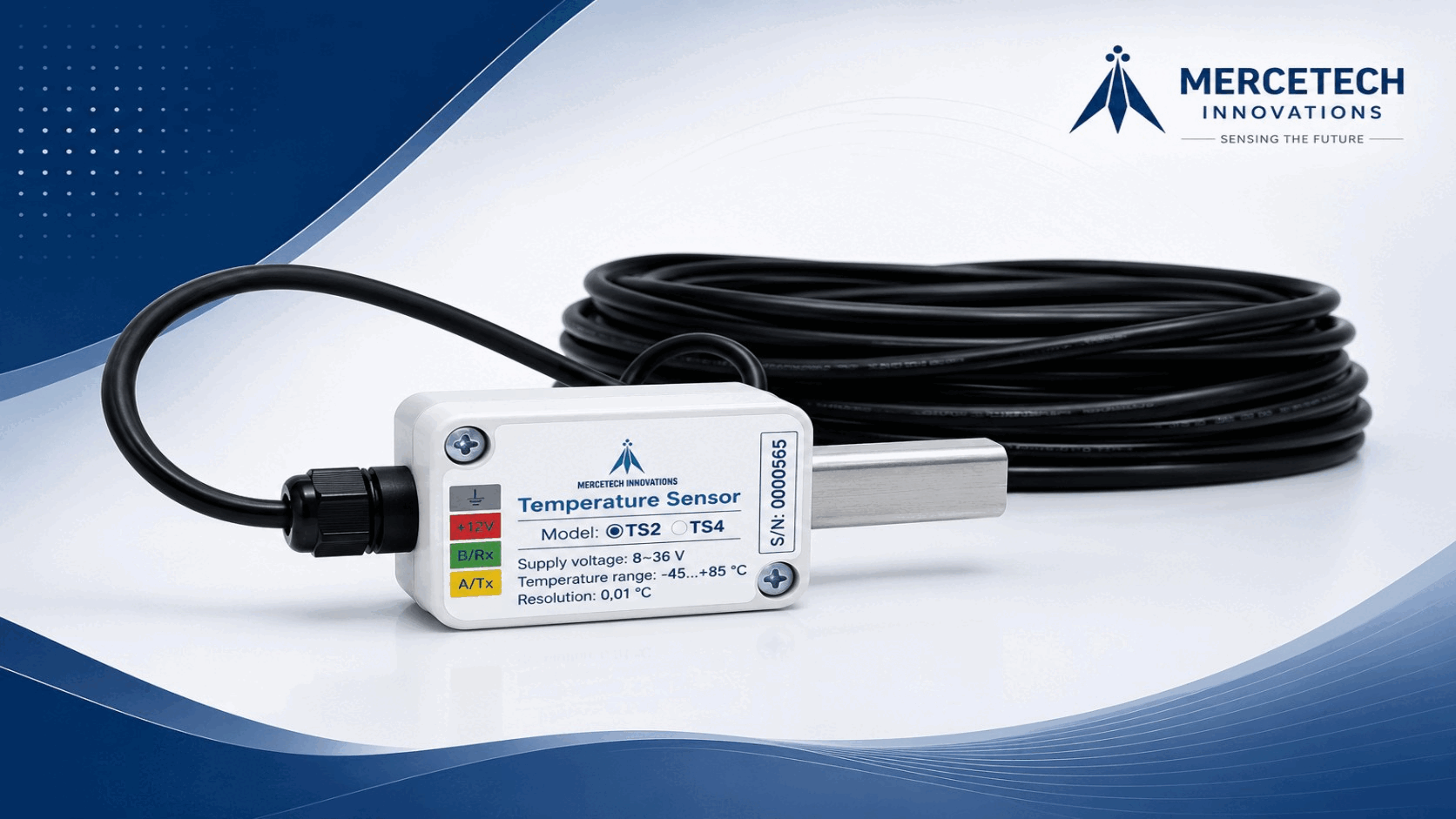
Mercetech digital temperature sensor for equipment monitoring.
Digital temperature sensor. Separate temperature measurement: confirm placement and receiving-device support.

PRODUCT • TANK • RECEIVER • CALIBRATION

Plan your fuel sensor project

Share your country, asset type, tank dimensions, quantity and exact tracker or controller model. Our team can review the proposed sensor and the information needed for a quotation.

Check the complete setup

Confirm the sensor model, receiver support, tank calibration and reporting platform. Agree who will install, commission and support each part of the system.

Read the calibration guide →

Make the quotation clear

Ask for separate equipment, installation, calibration, connectivity and software items where applicable. Request current documentation, availability and commercial terms for your destination.

Book a technical discussion →

Choose your regional buying guide

Local Fuel Display Enquiries for African Projects

For a local fuel level display on a fleet vehicle, generator or site installation in Africa, identify the sensor feeding the indicator and the units the operator needs. Confirm supported inputs, configuration and where tank-volume conversion takes place. A local indicator alone does not provide remote fleet reporting.

Choose your project guide: Northern Africa · West Africa · Middle / Central Africa · East Africa · Southern Africa.

Include the destination country and quantity. Equipment availability, delivery and any local installation or support scope are confirmed in the project quotation.

Mercetech Digital Fuel Level Indicator

The Mercetech Digital Fuel Level Indicator displays information from compatible fuel measurement equipment. Review the supplied manual for RS232 EDE (LLS) support, operating modes, tank configuration and electrical requirements. Confirm the complete sensor and indicator pairing before installation.

Share